 SpreeLab
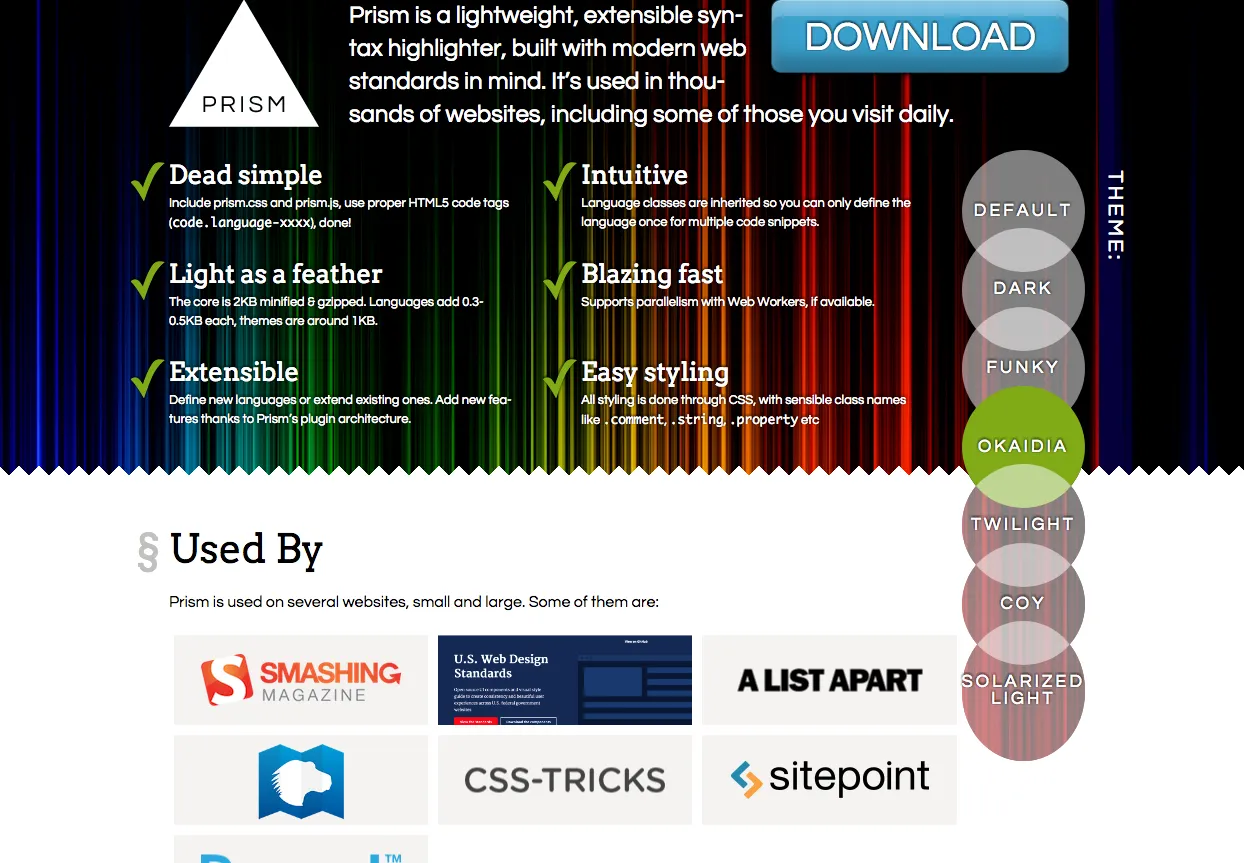
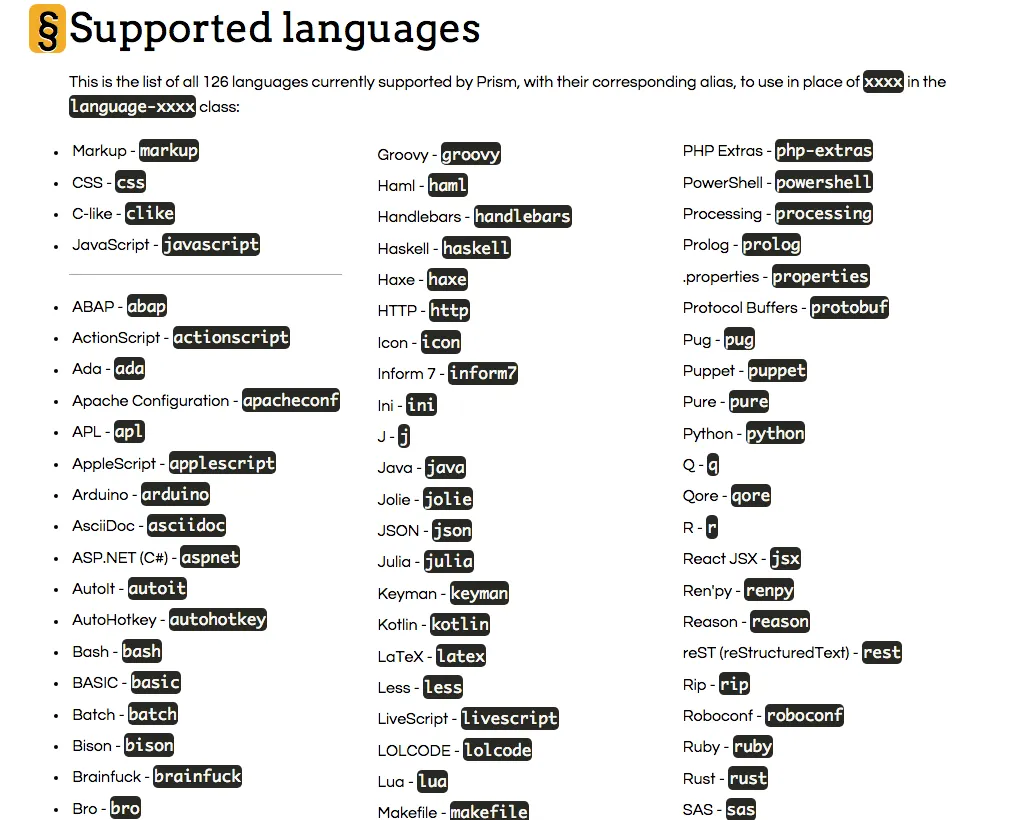
 Ghost的code block沒有內建syntax highlighting,讓人覺得少了一味,所以來安裝Prism來加點顏色。
安裝筆記
- 到http://prismjs.com/download.html ,幾乎就是購物車,選擇你要的theme、語言和plugin。
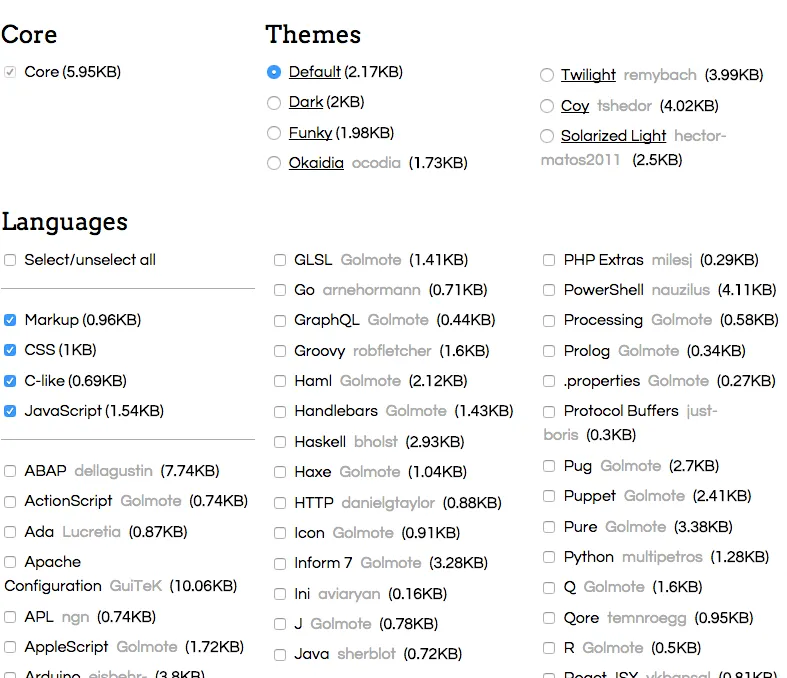
- 選完後,到最下面DOWNLOAD JS / DOWNLOAD CSS ,下載
prism.js和prism.css - 把
prism.css丟到ghost/content/themes/你的theme/assets/css - 把
prism.js丟到ghost/content/themes/casper/assets/js - 在theme的路徑下編輯
default.hbs
在上面加入css檔
<link rel="stylesheet" type="text/css" href="{{asset "css/prism.css"}}" />在最下面引入js檔
<script type="text/javascript" src="{{asset "js/prism.js"}}"></script>6.在ghost根資料夾下,重啟ghost $ ghost restart,或者ghost stop後ghost start
7.完成!